
An example, explained
A clearer path from problem to visit.
A walkthrough of Clearflow, our fictional plumbing and gas business. Explore the design choices, then try the customer journey for yourself.
This is a design demonstration, not a real client case study. No measured enquiry or revenue uplift is claimed.
Open the working example ↗
Robin Custance · Web Design & Development
Greg Hamilton · Business Growth & Client Partnerships
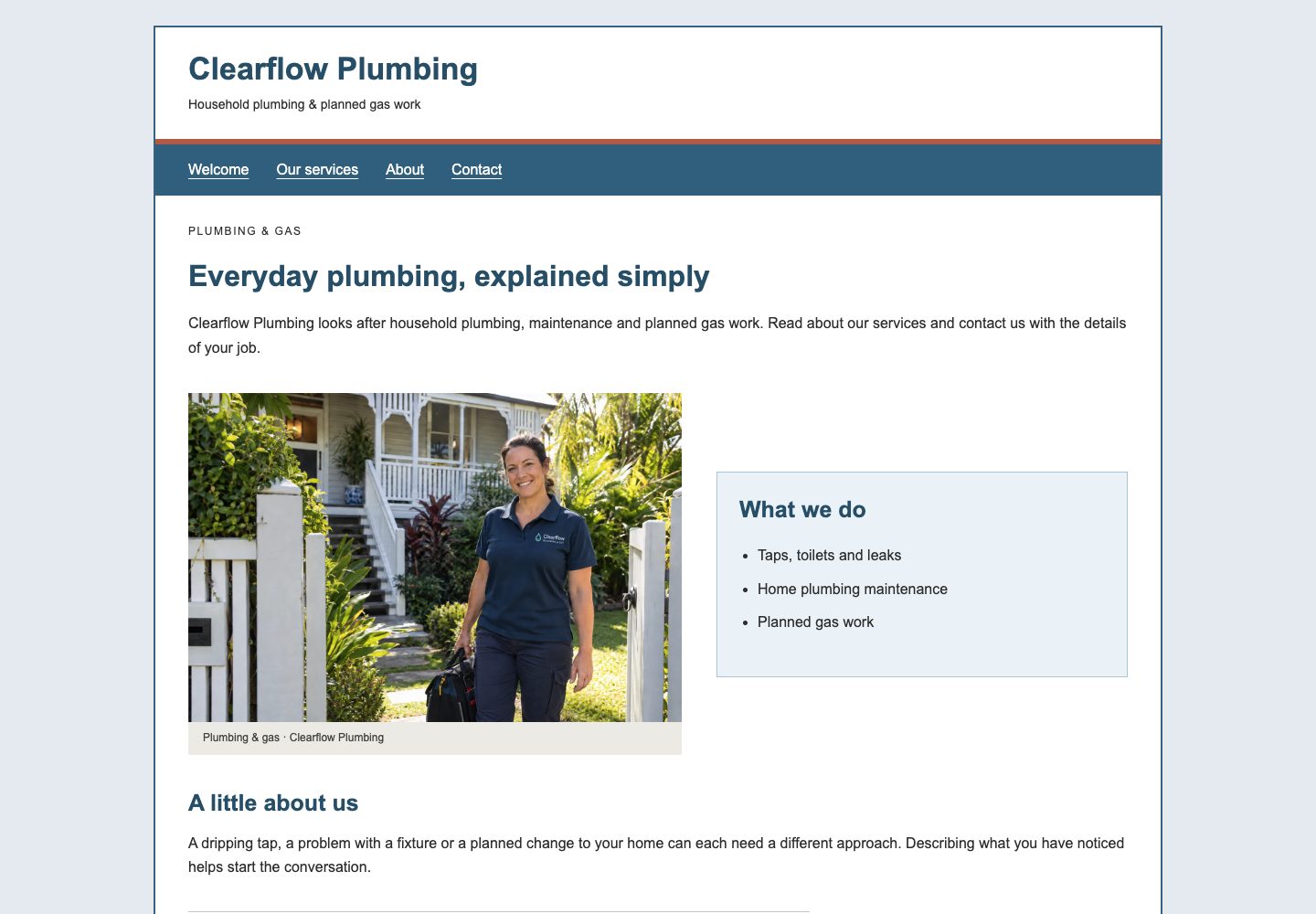
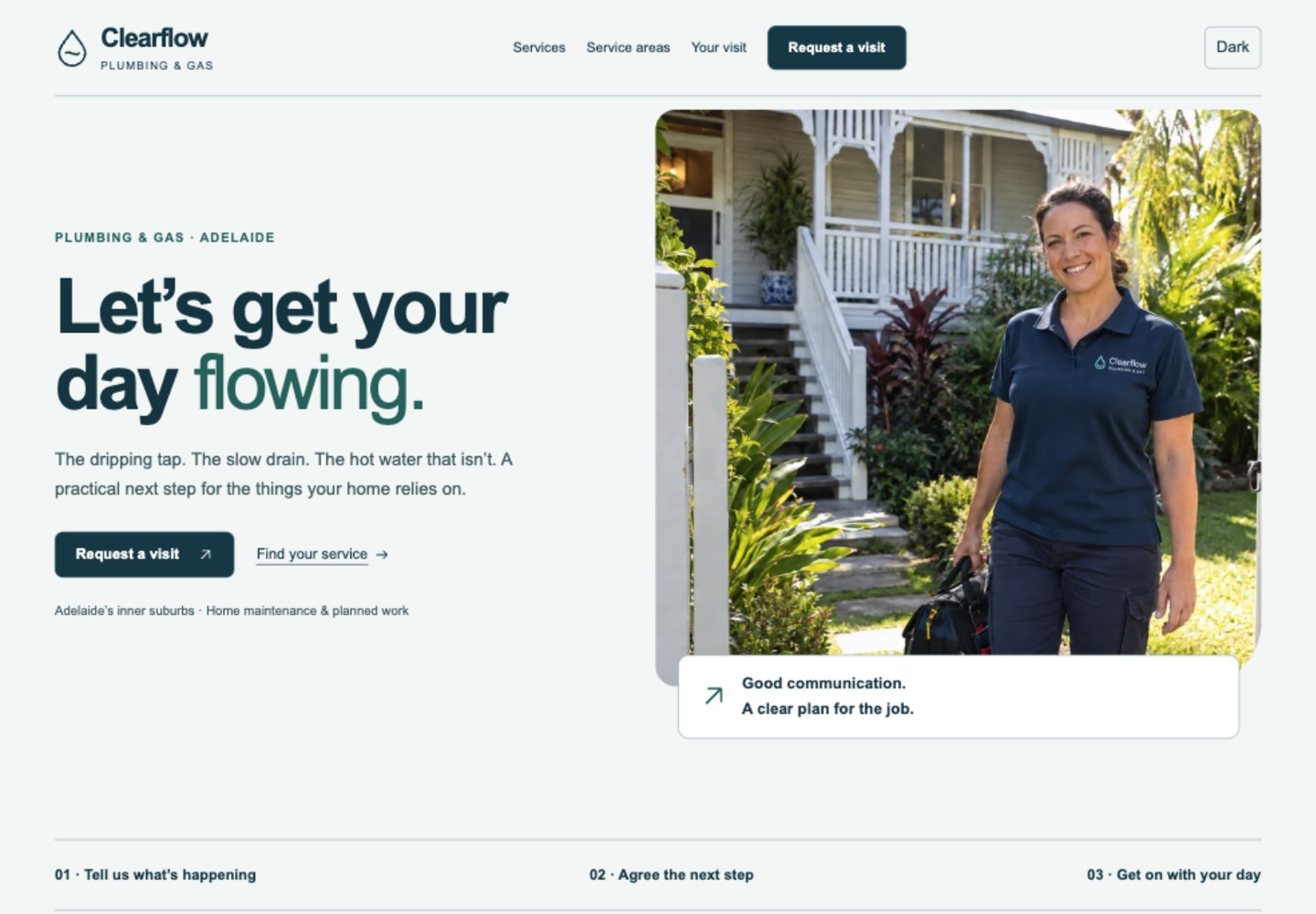
Desktop view: check the overall hierarchy and how the space supports the message.
Recognise the job
The opening names plumbing and gas in Adelaide. The image and service language help a visitor recognise a home-maintenance business. Ask whether your own opening answers those practical questions.
Explore this decision ↗Make the next action specific
“Request a visit” describes the next step. Visitors can also find a service first. The action remains a fictional demo: its final state must explain that no real request was sent.
Explore this decision ↗Give the phone its own order
Switch to phone screenshots, then open the example on your device. Check the reading order, menu, image crop and form controls. A desktop screenshot scaled down does not prove a useful mobile experience.
Explore this decision ↗Try the complete journey
Explore a service, start the request and review the information it asks for. Compare the experience with your own site. Record an actual obstacle before proposing a change.
Explore this decision ↗What would help your customer?
Use the same questions on your own website. Keep the parts that work and choose a change you can test.
Get a free playbook ↗